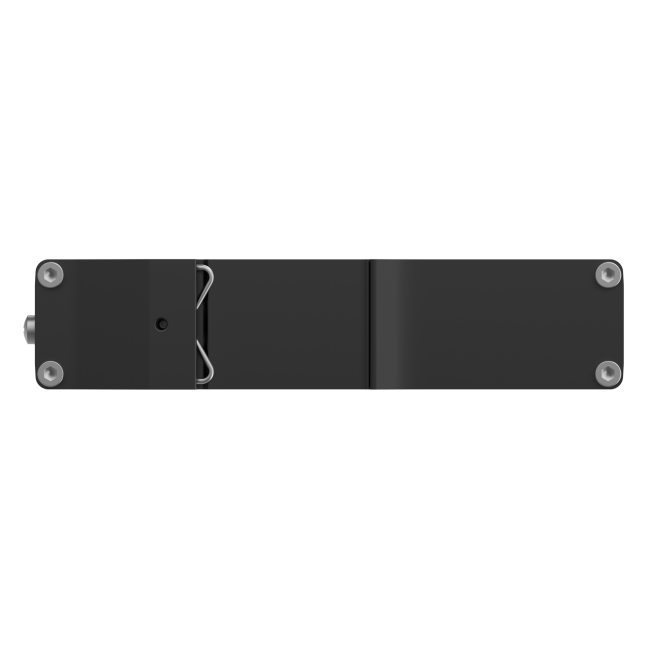

Teltonika DAP142 – Industrial Wi-Fi Access Point with RS232
Code: DAP142000000Industrial Wi-Fi 4 access point with RS232, mesh, Fast Roaming and 2 × Ethernet. For up to 50 wireless devices and direct DIN rail mounting.
DAP142000000: Wi-Fi antenna and 3-pin power connector included. Power supply sold separately.
-
Wi-Fi 4
Mesh & Fast Roaming
Flexible coverage across compatible access points.
RS232
Native serial interface
Serial over IP and Modbus gateway functions.
2 × Ethernet
10/100 Mbps
Integrate with your existing wired network.
DIN rail
Industrial installation
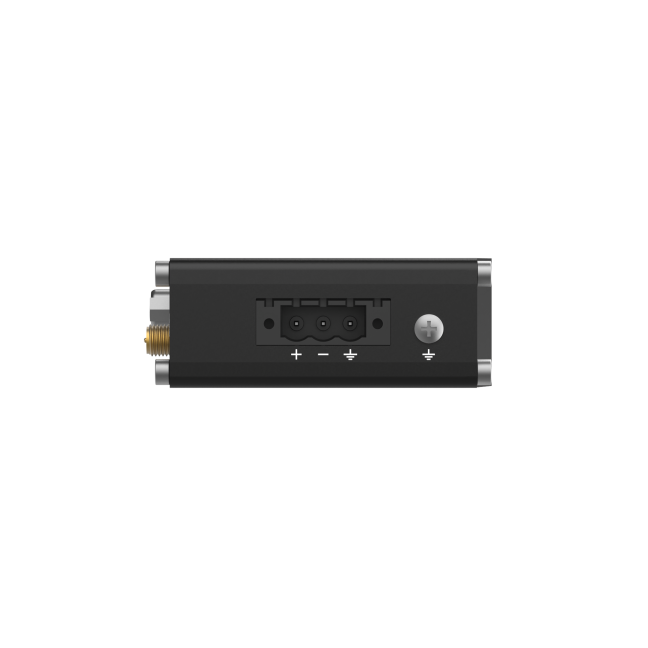
Built-in bracket and 9–30 V DC input.
Why choose DAP142?
Choose DAP142 when an industrial installation needs Wi-Fi access and a native RS232 connection in one compact device.
Bring serial equipment onto the network
The native RS232 interface supports Serial over IP and Modbus gateway functions, helping integrate compatible existing equipment without a separate serial interface device.
Extend Wi-Fi where it is needed
802.11s mesh and 802.11r/k/v roaming support flexible wireless coverage. The included magnetic antenna can be positioned to suit the installation.
Use the available power infrastructure
Supply 9–30 V DC through the 3-pin terminal or compatible passive PoE on LAN2. Maximum power consumption is below 2 W.
Manage the network remotely
RutOS provides VLANs, firewall controls and VPN options. Teltonika RMS supports remote monitoring and administration across deployed devices.
A direct link for RS232 equipmentSuitable for integrating compatible controllers, meters and service equipment into an IP network. Match the serial settings, pinout and protocol to the connected device.
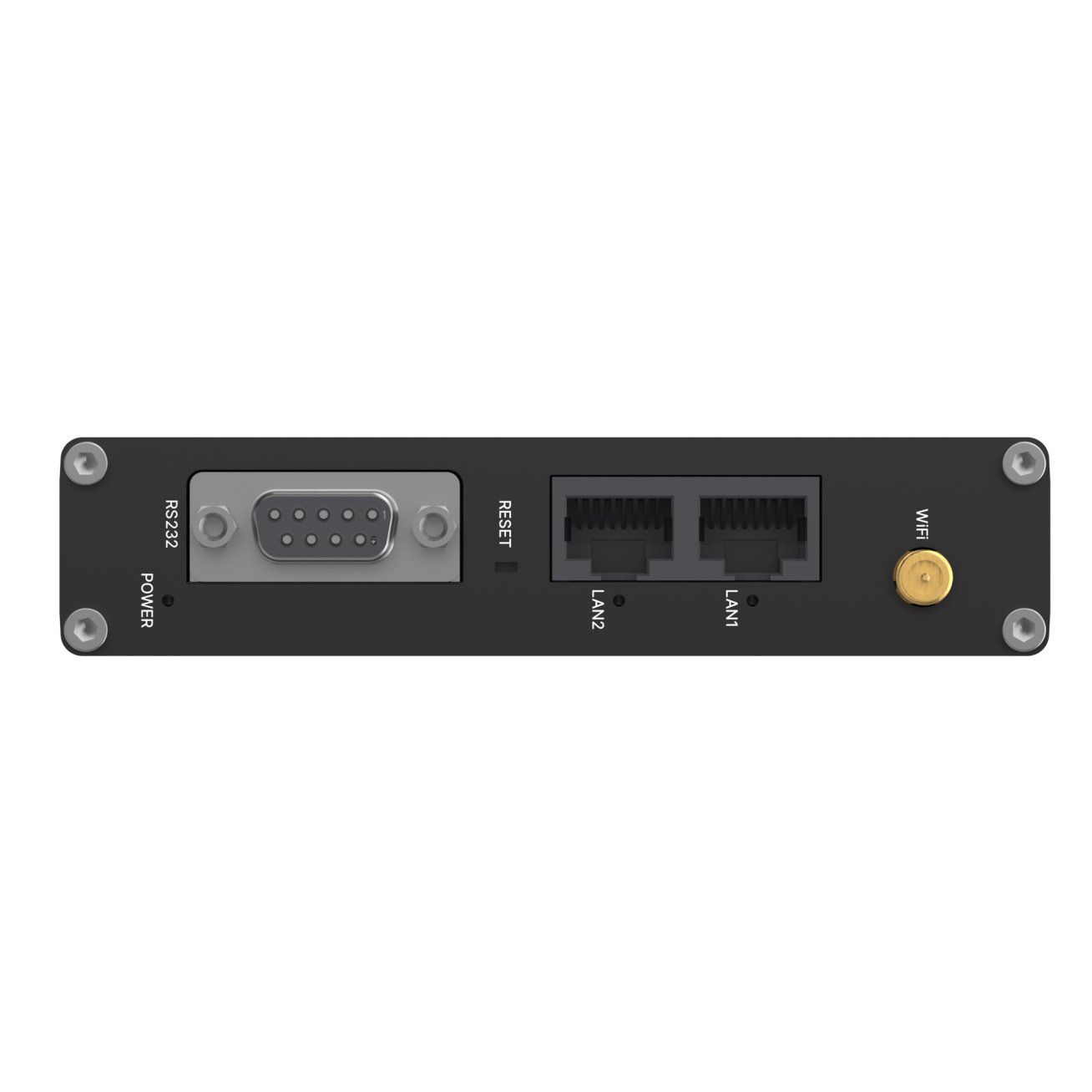
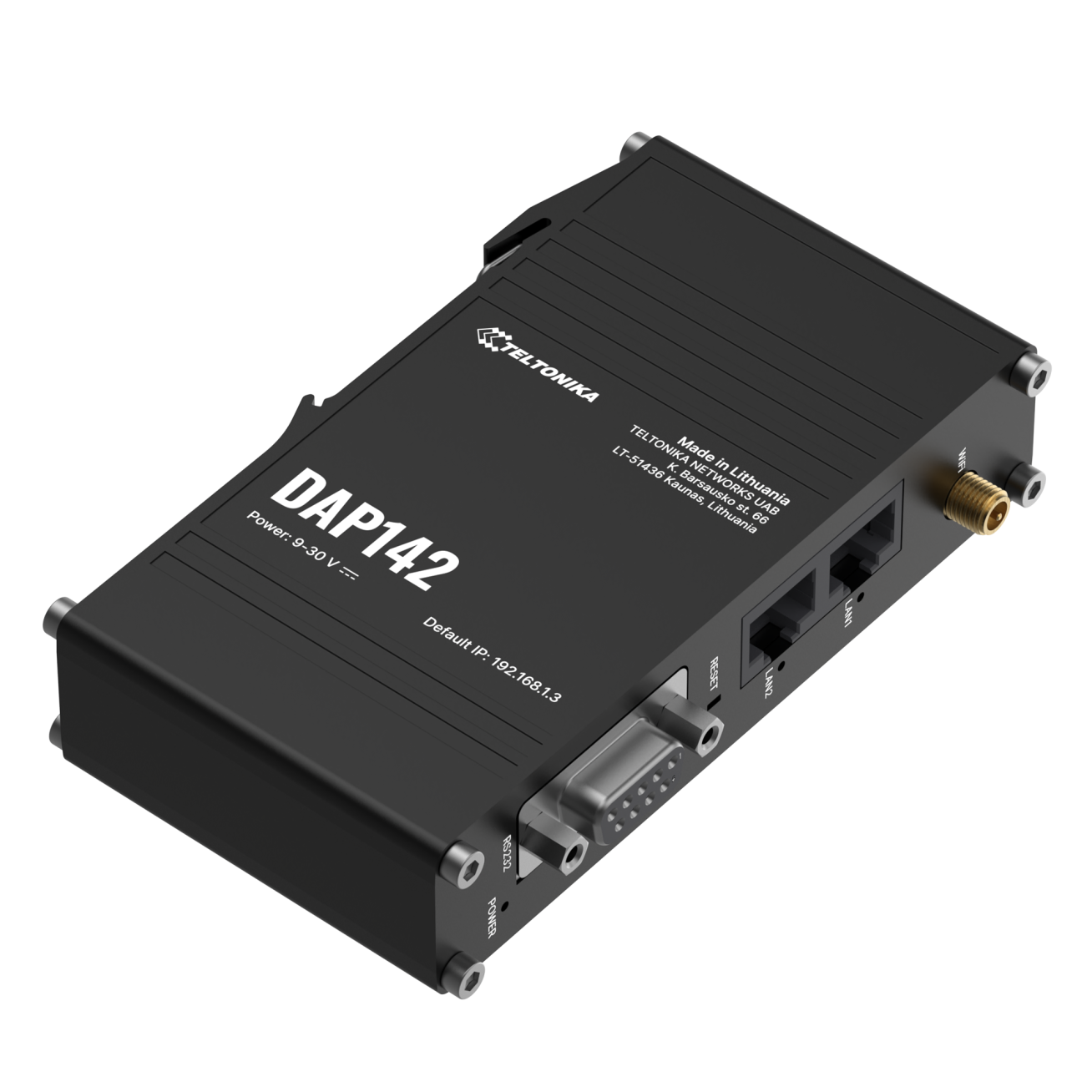
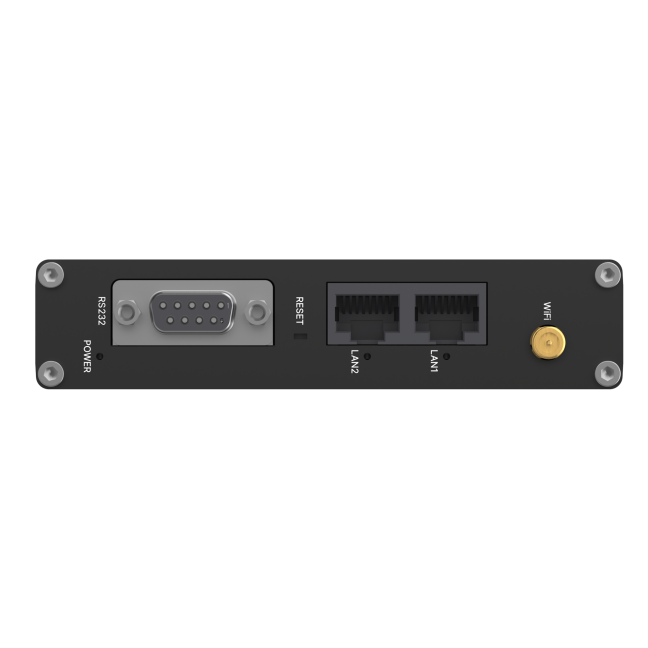
RS232, Ethernet and Wi-Fi in one device
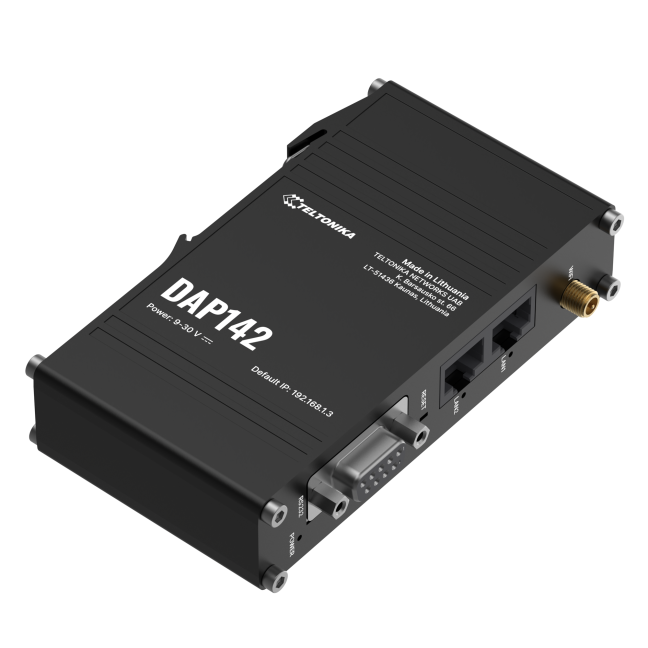
The DB9 RS232 socket sits alongside two Ethernet ports and the RP-SMA antenna connector.
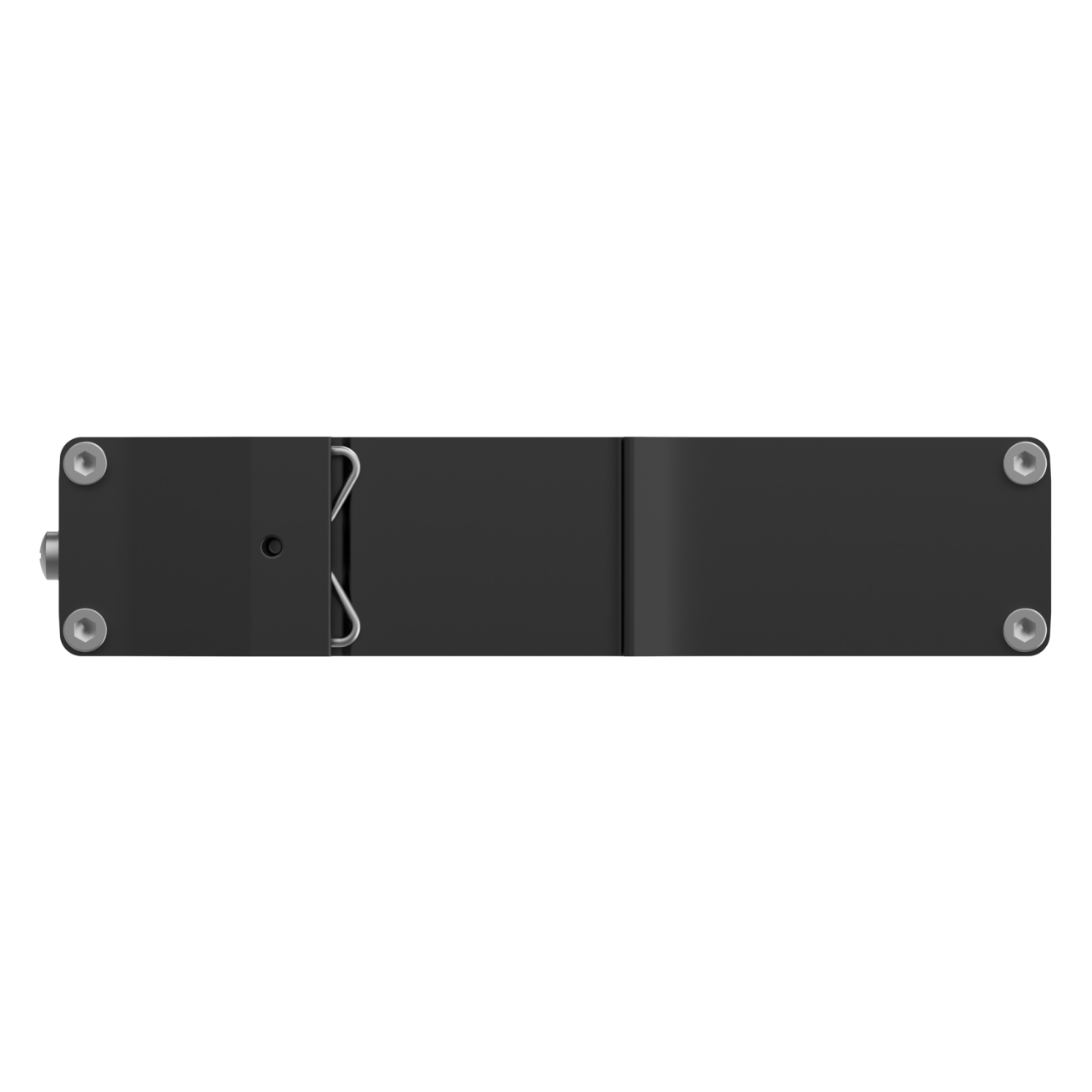
Compact mounting for industrial cabinets
The integrated DIN rail bracket and 25 mm housing height simplify installation.
Properties
Wireless & connectivity
Wireless standard Wi-Fi 4 · IEEE 802.11b/g/n · 2.4 GHz Operating modes Access point, station, mesh (802.11s), Multi AP Roaming 802.11r Fast Roaming, 802.11k and 802.11v Connected clients Up to 50 simultaneous Wi-Fi connections Ethernet 2 × RJ45 LAN, 10/100 Mbps, auto MDI/MDIX Antenna connector 1 × RP-SMA for Wi-Fi RS232 interface 1 × DB9 socket; Console, Serial over IP, Modbus gateway and NTRIP Client Security & management
Wireless security WPA2/WPA3 Personal and Enterprise support Network separation Port-based and tag-based VLANs VPN options WireGuard, OpenVPN, IPsec and additional RutOS VPN services Industrial data Modbus TCP/RTU over RS232; HTTP(S) and MQTT Data to Server Management WebUI, SSH, SNMP, TR-069 and Teltonika RMS Operating system RutOS, based on OpenWrt Power & installation
DC power 9–30 V DC via 3-pin terminal Passive PoE input LAN2 only · 9–30 V DC · Mode B PoE compatibility Not compatible with IEEE 802.3af/at/bt; no PoE output Power consumption Below 1 W idle; below 2 W maximum Mounting Integrated DIN rail bracket; optional wall or flat-surface mounting kit Housing & identification
Enclosure Anodised aluminium · IP30 Operating temperature −40 to +75 °C Dimensions (W × H × D) 113.1 × 25 × 68.6 mm Packaged weight 256.7 g Package dimensions (L × W × H) 175 × 150 × 35 mm Manufacturer / MPN Teltonika Networks / DAP142000000 EAN 4779051843268 Connection performance depends on signal conditions, network configuration and client devices. Feature availability may depend on the installed RutOS version and additional software packages.
Set of equipment

Standard package · DAP142000000
- DAP142 industrial wireless access point
- 3-pin power connector
- 1 × magnetic Wi-Fi antenna with RP-SMA male connector
- Quick Start Guide
- Packaging box
Power supply and optional mounting accessories are not included. Use a suitable 9–30 V DC supply or compatible passive PoE source. RMS services may require a separate licence.
Documents
Official Teltonika documentation for installation, configuration and maintenance.
Frequently asked questions
What does RS232 add compared with DAP140?
DAP142 adds a native DB9 RS232 port for compatible serial equipment. It supports Serial over IP and Modbus gateway functions alongside Wi-Fi and Ethernet networking.
Does it support mesh and roaming?
Yes. It supports 802.11s mesh and 802.11r/k/v roaming features. Compatible client devices and appropriate configuration are required.
Can a standard PoE switch power it?
Only use a compatible 9–30 V passive PoE source connected to LAN2. DAP142 does not support IEEE 802.3af/at/bt PoE; applying an incompatible supply can damage the device.
Is a power adapter included?
No. DAP142000000 includes the access point, 3-pin connector, one magnetic Wi-Fi antenna, Quick Start Guide and box. The power supply is purchased separately.
Is DAP142 a cellular router?
No. DAP142 is a wireless access point with an RS232 interface, without a cellular modem or SIM slot. Internet access requires an upstream network connection.
Can DAP142 be managed remotely?
Yes. Teltonika RMS enables remote monitoring and management. RMS services may require a separate licence; local management is available through RutOS WebUI.
Manufacturer